¶ Overview
This section is a quick overview of the current month's call logs and recordings (if you have call recording activated) starting from the 1st of the month. If you wish to view archived call logs please use the Reporting tab below this menu icon.

Here you can view the incoming/outbound calls as well as 1300 calls. If call recording is enabled you can also Play/Download, or Delete and recorded calls.

¶ Understanding The Call Reports
¶ Answered By
There are a few different possibilities for the answered by column, and it can be confusing to work out what it is. The short answer is that it represents the last function or user to answer the call, based on that call flow.
Example Call Flow
- Play Announcement ( Welcome Message )
- Goto IVR ( Press 1 for Sales, 2 for support )
- Option 1 = Goto Queue ( Sales )
If If the caller hangs up before a person answers the call, then depending on what part of the call they are up to, it would show the latest point as the answered by.
Annoucement = they hung up in the welcome message
IVR = they hung up in the ivr, before getting through to the next step
Queue = they hung in the queue waiting for an agent
¶ Add Call Recording Plan
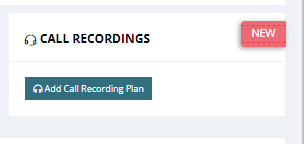
To purchase a call recording plan, click on “Add call Recording Plan”
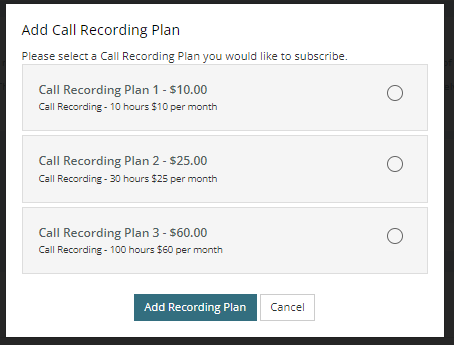
select a plan you wish to add on to your monthly chargers.
¶ How to Stop and Start Recording During a call
- Dail #1 to Stop Recording
- Dail #3 to Start Recording