Google Play for Android devices
App Store for iPhone devices
¶ Mobile App Installation Guide
¶ Download App and Install
Please download and install the VOCPhone app from the following stores:
¶ Activation
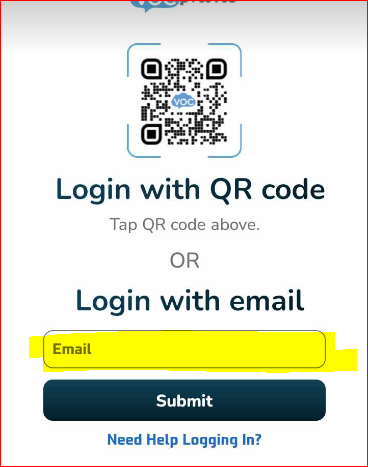
After installing the VOCPhone app, it will prompt you to activate via email or QR code. Please enter email address that is linked to your account and press "Submit."
Note: The system only allows one user per extension for the mobile app. Multiple users are not permitted.
An email will be sent to you similar to this:
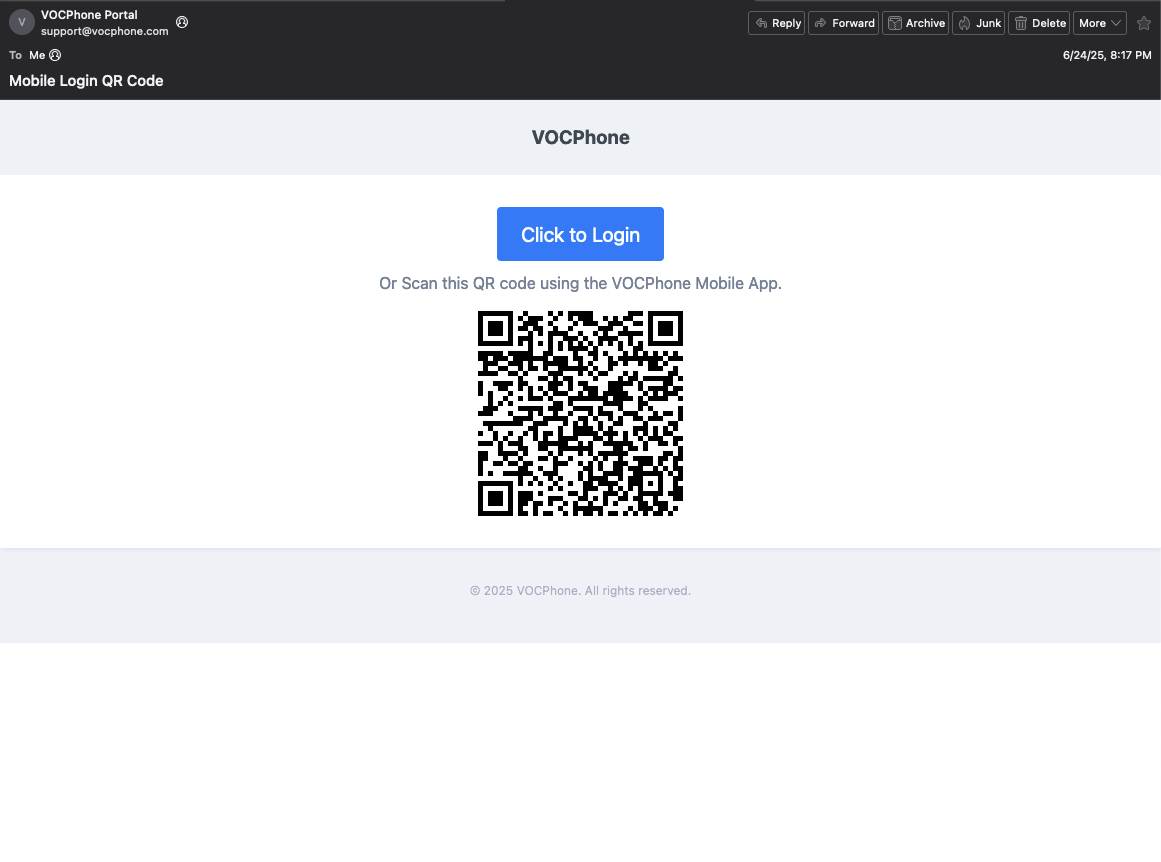
You can either click the "Click to Login" button and it will automatically log you in or use your device to scan the QRCode by clicking the "QRCode Image" in your login screen.
Once activated, allow all necessary permissions.