¶ My Account Details
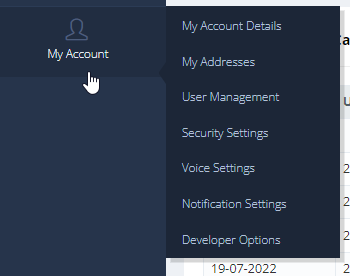
To change your business name, click on the edit button next to it.!
¶ Security Settings
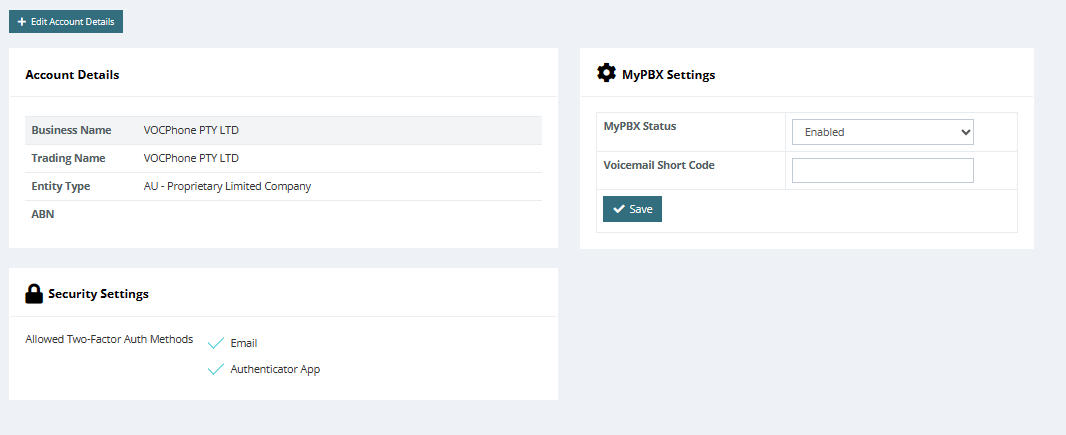
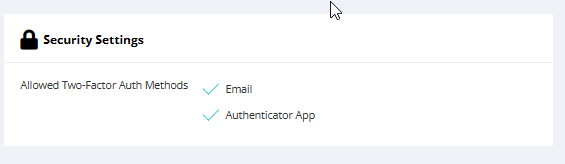
For extra security, we have allowed customers have the option of enabling Two-Factor Authentication (TFA) using email and our mobile app.
¶ MyPBX Settings
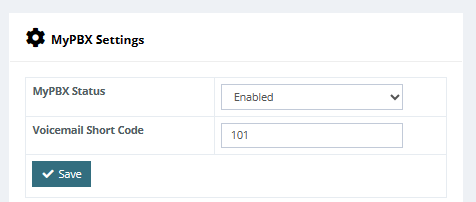
Allows you to amend each extension to a shorter EXT number
Minimum is 3 digits or more.
¶ My Addresses
You can manage different sites by setting the address for each extension's location. This also helps if you have extensions in different states.
Be aware that if you call a NSW number from a QLD site with a QLD number, you will pay national call rates. This does not apply to internal calls between extensions in your sites.
Make sure you assign the right state to each extension based on its location.
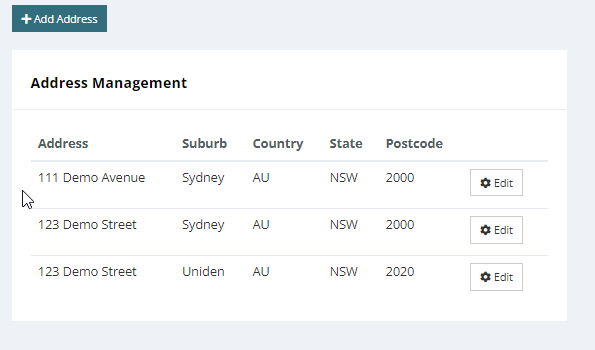
Setting the extensions address is done within “Extension & Users” Page
¶ User Management
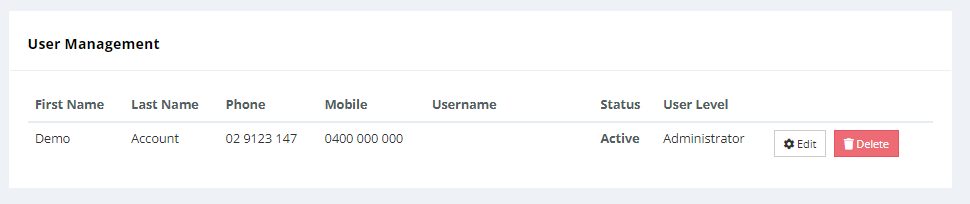
This section allows you to manage the users who can access your voice over cloud portal.
You can grant two types of account access: ADMIN or Guest.
- Admin - Will be able to Manage your phone system.
- Guest - Will only be able to view the SMS portal
These options are subject to change.
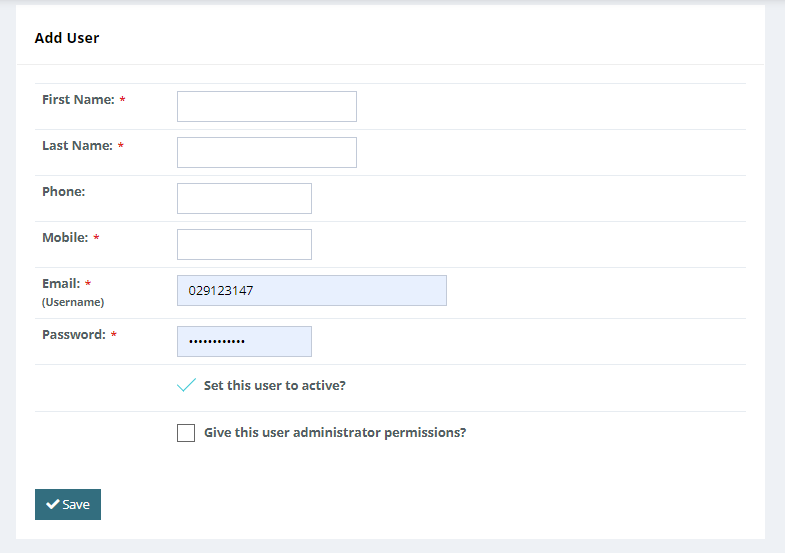
once account is created you will be able to view all your accounts on the main page of User Management.
¶ Voice Settings
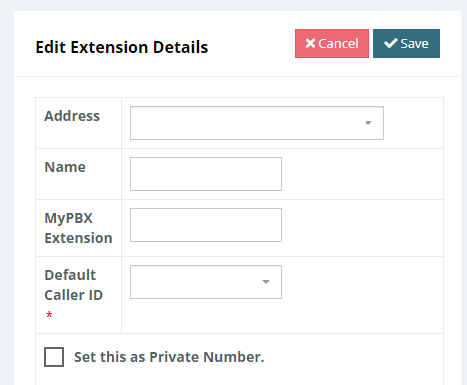
Changing your voice settings will allow you to have shorter extension numbers on your phone system.
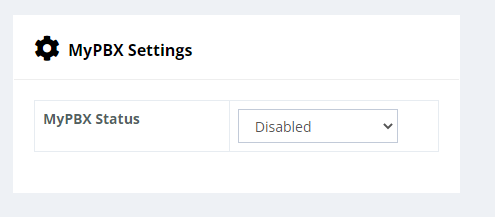
Under Extension and Users> under extension details when editing you will now notice the “My PBX Extension” Option. here is where you will be able to shorten your extension number.
Extension needs to be a minimum of 3 digits or more. (no characters)
¶ Notification Preferences
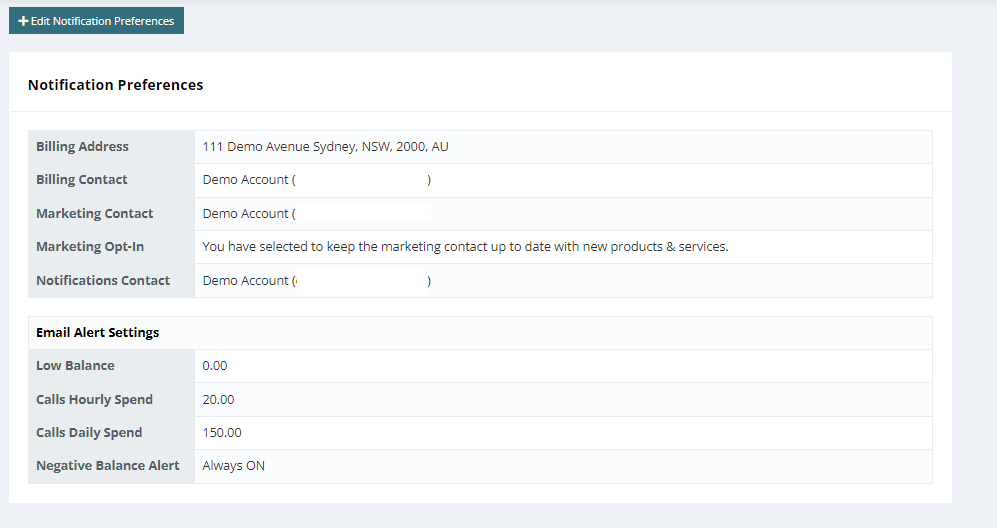
You can choose whether to use the same email or different emails for billing and notification purposes, you are also able to set the notification limits for each alert.
-
Low balance -
Calls hourly spend -
Calls daily spend -
Negative Balance Alert (to always be on)
¶ Invoice Settings
¶ CSV of Charges
Ability to attach a CSV of charges to the email that is sent out to the customer after a payment is made.
To enable this feature one must go to in the PORTAL, My Account > My Account > Invoice Settings.
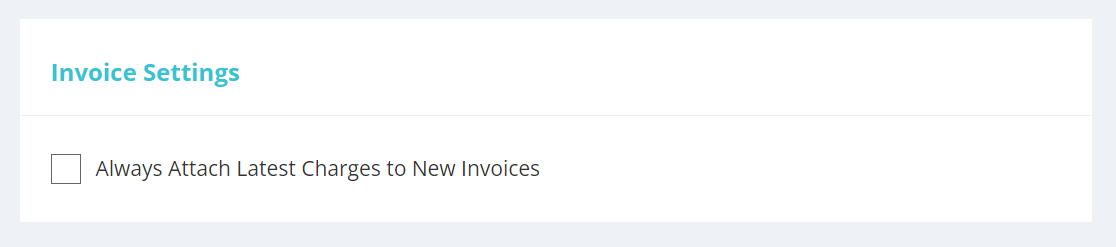
Enabling this feature will automatically attach a CSV of charges to the email that is sent every time a customer makes a payment.
The service number tags are also found in the CSV of charges for call charges, a separate column exists that list down all tags related to the call, specifically to the service number that was used for that call.