¶ How To Integrate
-
Go to Marketplace and find One Drive Recordings.
-
Integrate It by clicking Integrate Button or a button with
 puzzle pieace icon.
 -
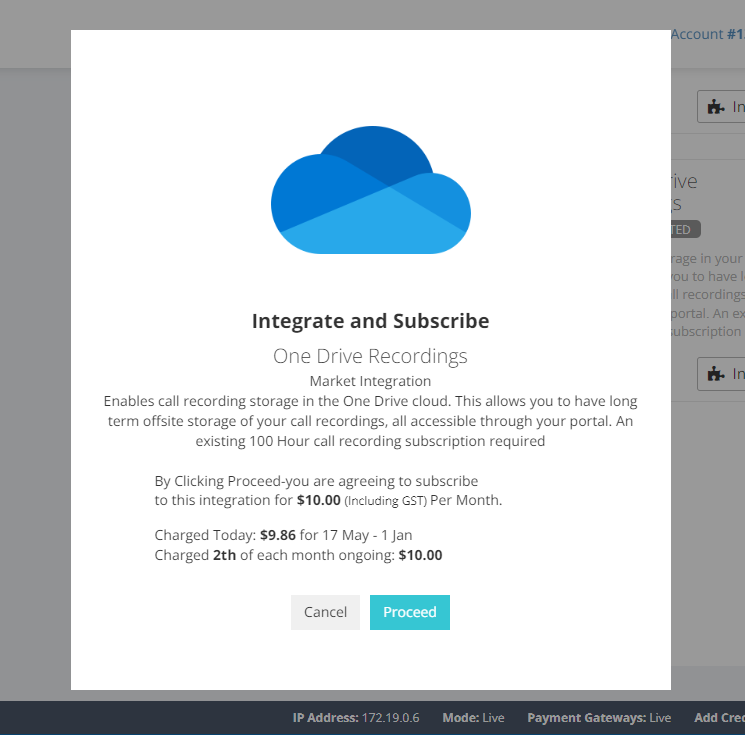
You will be shown a detailed breakdown of your charges. If you're okay with the charges, you can click 'Proceed' to continue.
-
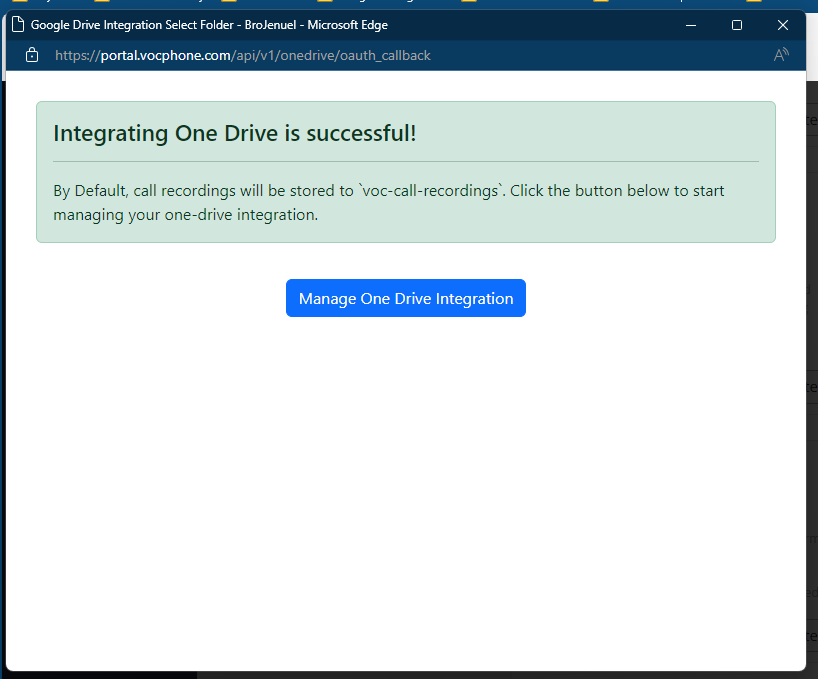
A pop-up window will appear, prompting you to log in to the account you will use for storing call recordings. Once you log in successfully, you will see a success message. If there is an issue, an error message will be displayed. Click the Manage One Drive Integration Button
 .
.
-
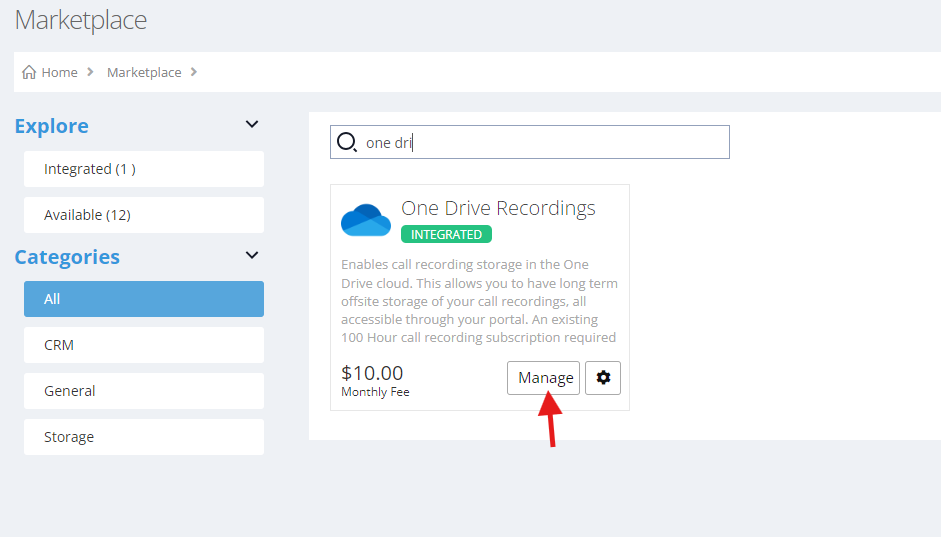
You can then set change some setting in the manage page. By Going to Marketplace → One Drive → Manage.
-
After clicking manage, you will be redirected to
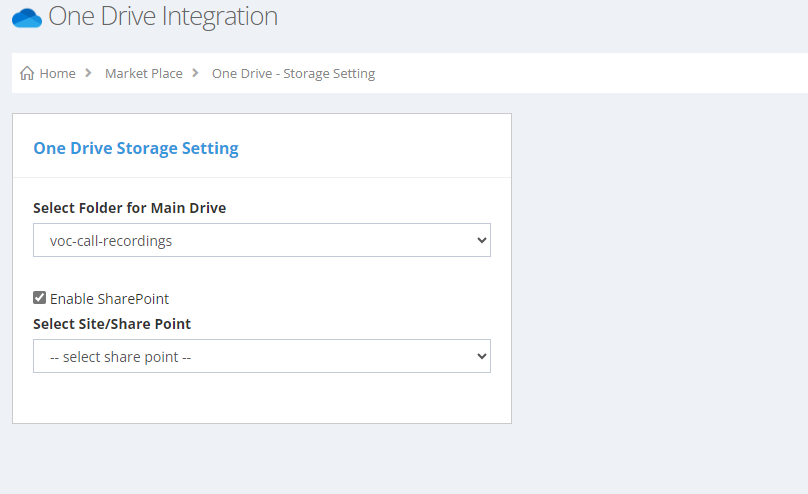
By default, the storage location would be in folder voc-call-recordings, but you can change it by selecting existing folders inside the one drive account you used.
You can also Enable Sharepoint, if you want to save call recordings through sharepoint.Your content here