On this page you will be able to Manage your account by adding new payment methods or to add credit or pay and outstanding amount on your account.
You can also be able to setup up AUTO Top up which is Highly recommended so that you aviod any service disruptions or suspension due to non payment.
Your content here
Please note that our system is setup as a Prepaid service and requires credit on your account in order for the service to remain active.
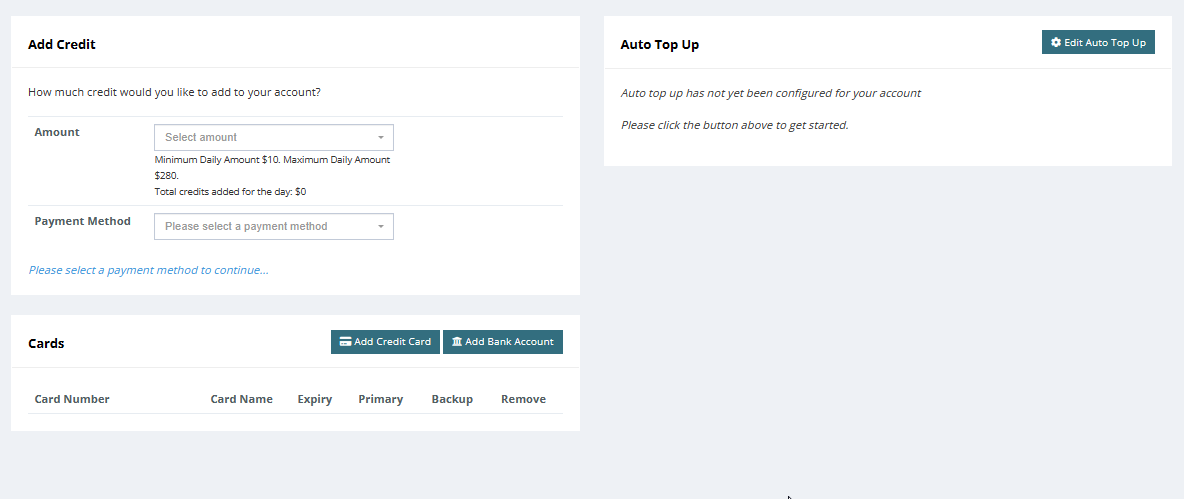
¶ Add Credit
Add credit will allow you to pay your account if it happens to be in negative balance. you can select an amount or enter a custom amount.
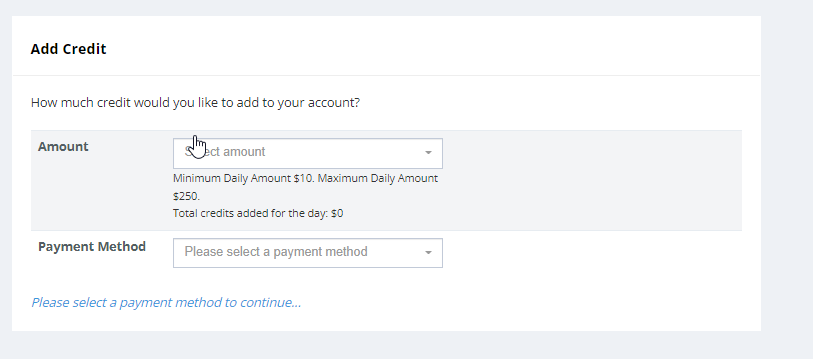
Select your choice of payment method. Each payment method will ask to you to accept certain agreements. these options are only for once of payments unless you have chosen the payment option to be used for auto-topup.
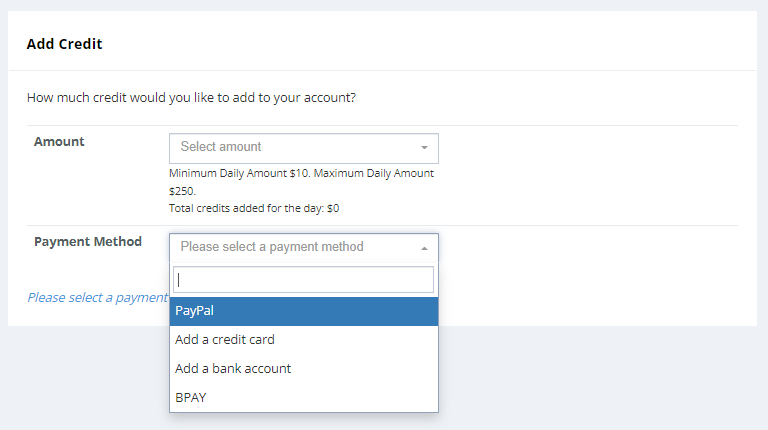
¶ Auto Top Up
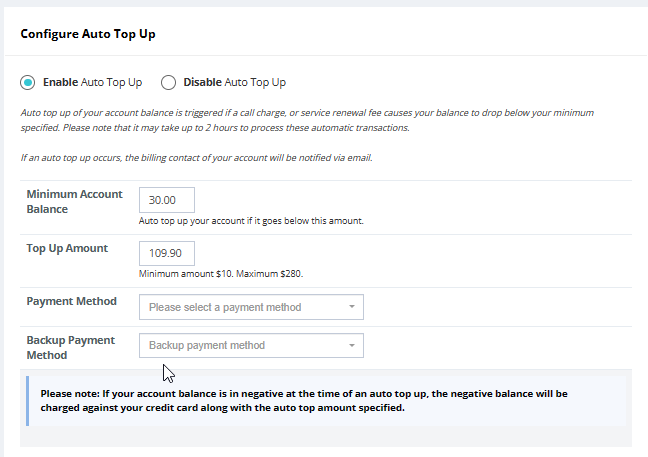
To setup your auto top up, click edit auto top up
Select “Enable auto top up”
“Minimum account balance” - amount to be set to your desired amount,
“Top up amount”- take into account the monthly plan charge as well as any additional charges on the account such as additional call packs phone numbers etc.
Select “Payment Method” - this will then authorise your chose of payment automatically each time the balance is below the “Minimum amount.”
Press “Save”
¶ Payment Options
¶ PAYPAL
Select PayPal paymen and select the ammount of credit you wish to add.
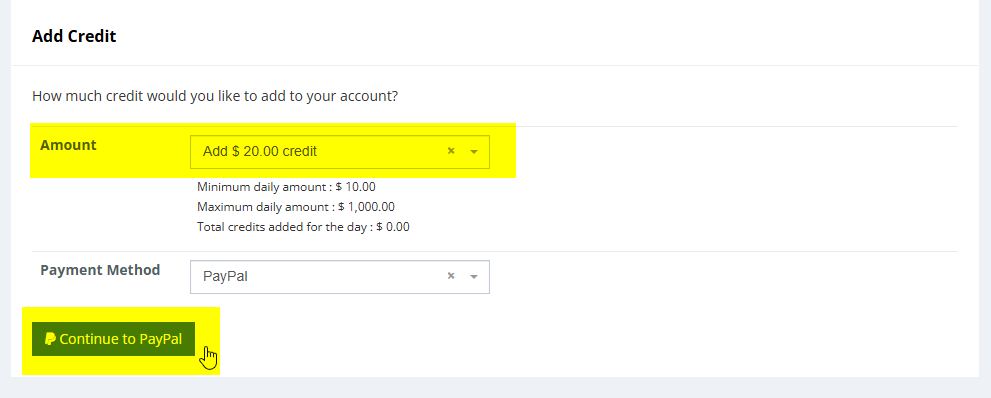
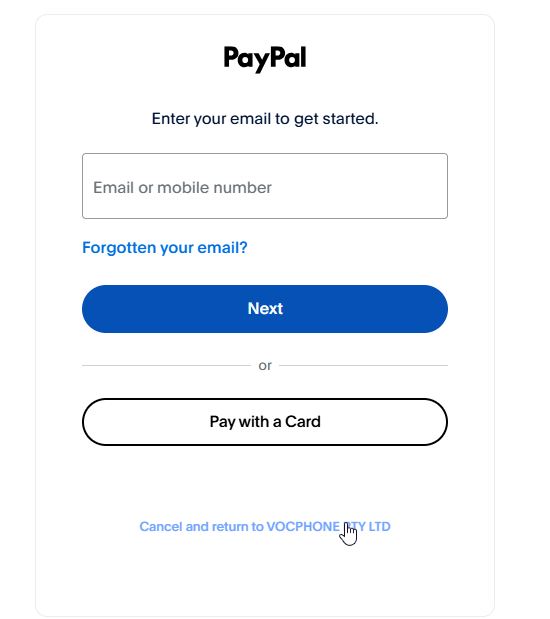
Click on "Continue to PayPAL" where you will direct to you paypal page to sign in or pay via card.
¶ Cards - Payment Options
¶ ADD Credit card or Bank Account
Select “Add Credit Card” or “Add Bank Account”
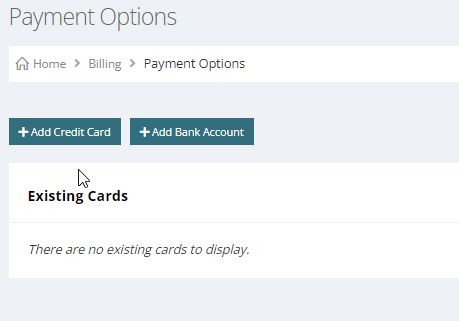
Enter details for either of the option and ensure to set your notification to an email which you constantly have access to as this will notify any charge attempts against the credit card or bank account that is set.
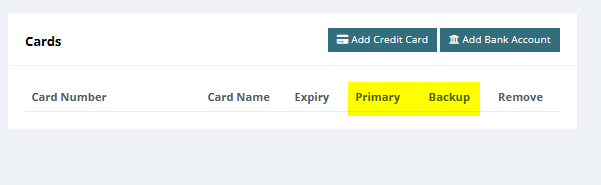
Also ensure you select which option you would like to have as the primary payment option and also a Backup option as well if you have placed two cards on file.
PLEASE NOTE FOR BANK ACCOUNTS - Bank payments usually takes 3-4 banking days and will appear within your statement and chargers as "Clearing" it will turn into "Cleared" after it was processed successfully.
¶ Remove Credit card or Bank Account
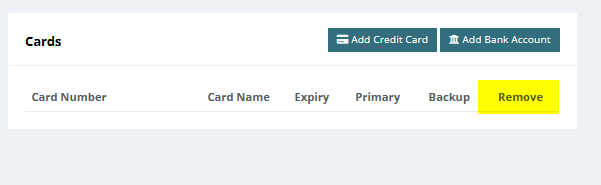
Removing an existing card, just select the trashcan option on the Cards section to remove any cards which you have on file.
¶ BPAY - Payment
BPAY ®
Biller Code: 386623
Ref: Your Unique Ref Number
Telephone & Internet Banking - BPAY ®
Contact your bank or financial institution to make this payment from your cheque, savings, debit, credit card or transaction account. For more information please visit: www.bpay.com.au
Registered to BPAY Pty Ltd ABN 69 079 137 518
**Please note that payments may take up to 3 days to be received from BPAY, please ensure your account has enough credit until that point
All BPAY payments incur a $1.50 fee per transaction
**