¶ Integration
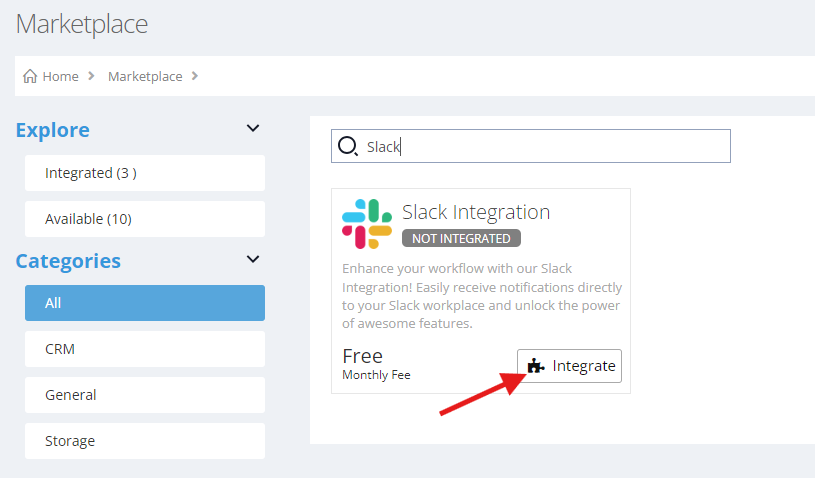
Go to Marketplace → Slack Integration → Integrate. You will be presented with charge details, and if you’re ok with it, you can click proceed. Then you have to login using your slack account. It's recommended that you’re the owner of the slack workplace.
¶ Manage Slack Notification
¶ Set Missed Call Notification
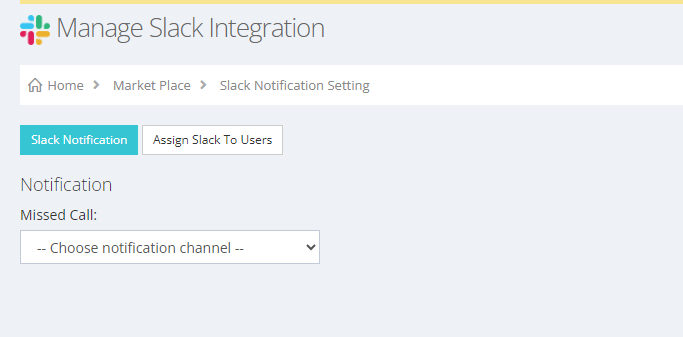
Go to Marketplace → Slack Integration → Manage → Slack Notification. The missed call notifications will be send to the selected channel name or slack user name.
¶ Assign Slack user to User Account
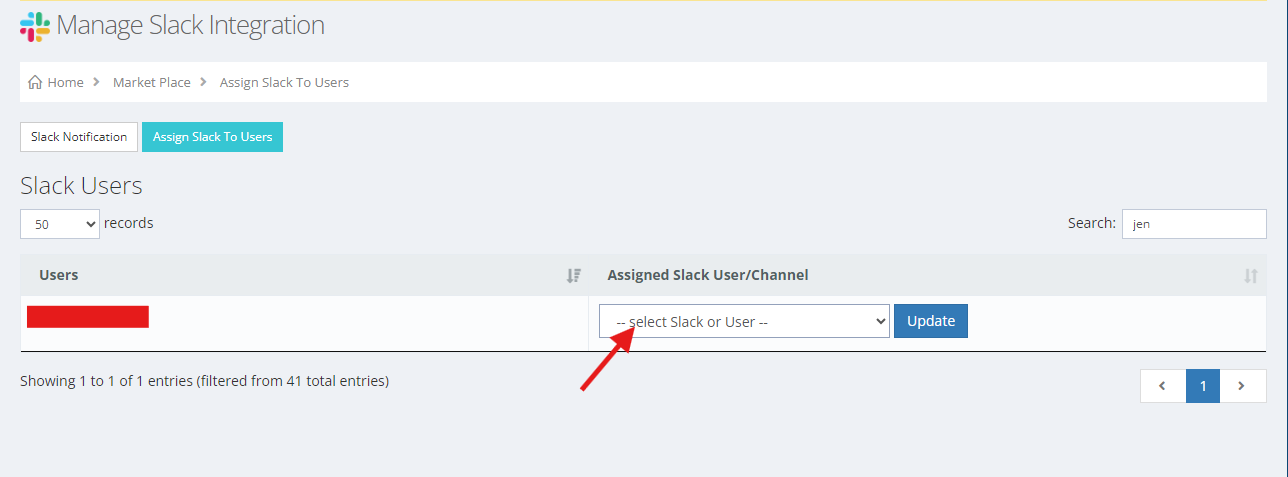
Go to Marketplace → Slack Integration → Manage → Assign Slack to Users. This is important, so that user who has extension assigned to them can use slack commands.
¶ Assign VOCPhone user to slack users
Go to Marketplace → Slack Integration → Manage → Assign Slack to Users. This is where you will assign slack users to vocphone users.
¶ Slack Commands
You can use slash commands anywhere in the slack.
¶ VOC CALL COMMAND
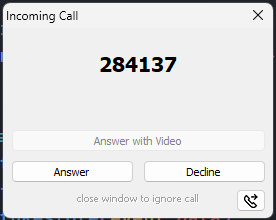
/voc-call < phone-number> This command will try to call someone. When this command executes, your VOCPhone App should open and call the phone number.

Your Vocphone Desktop App will open and click answer.
¶ VOC MESSAGE COMMAND
/voc-message < destination-number> < message> This command will try to send a message to the destination number.
example:

if successfully send a message should appear that it was sent.
