¶ How To Setup Your API Access
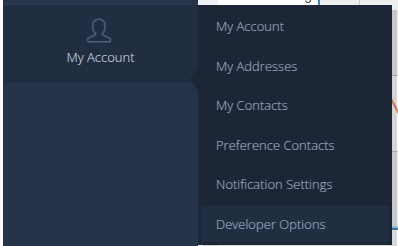
- Access Developer Options in your portal
- In the Developer Credentials Section, click "+ Add"
- Enter an username and then click add, You can create multiple users for various applications you may have.
- You can view your details on the next screen by clicking the eye icon.

¶ Notes
- You can only view your password once ( when you create it ). If you lose it, you can regenerate it
¶ Next Steps
Access your api, reference documentation of the api is found here voice-over-cloud-api
Go back to our developer documentation Developers