¶ Prerequisite/Requirement
- Integrated Monday in VOCPhone Marketplace https://portal.vocphone.com/?p=marketplace.
- You have to set the user(extension) that your zoho account will use to make phone calls.
¶ Setup
¶ Subscribing to Zoho Integration
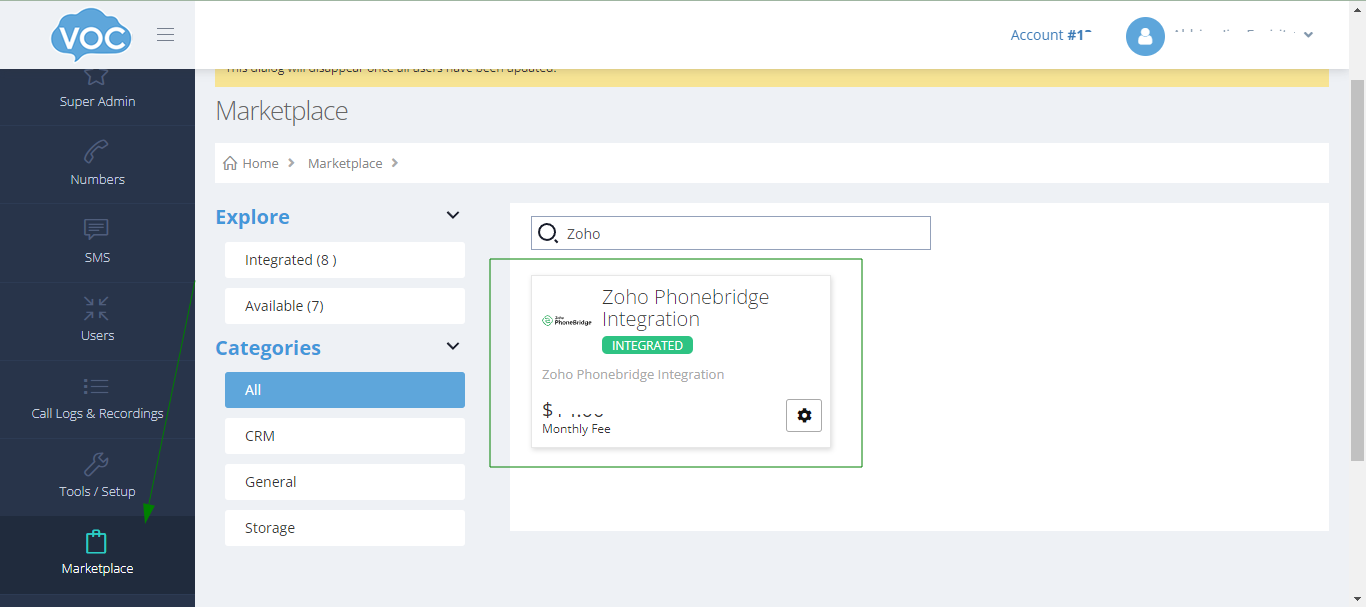
Navigate to Marketplace in Voc portal, search for zoho and click integrate.
¶ Assigning voc user to Zoho account user/Enabling Click to Dial
This is required to enable the click to dial and perform calls in the zoho crm.
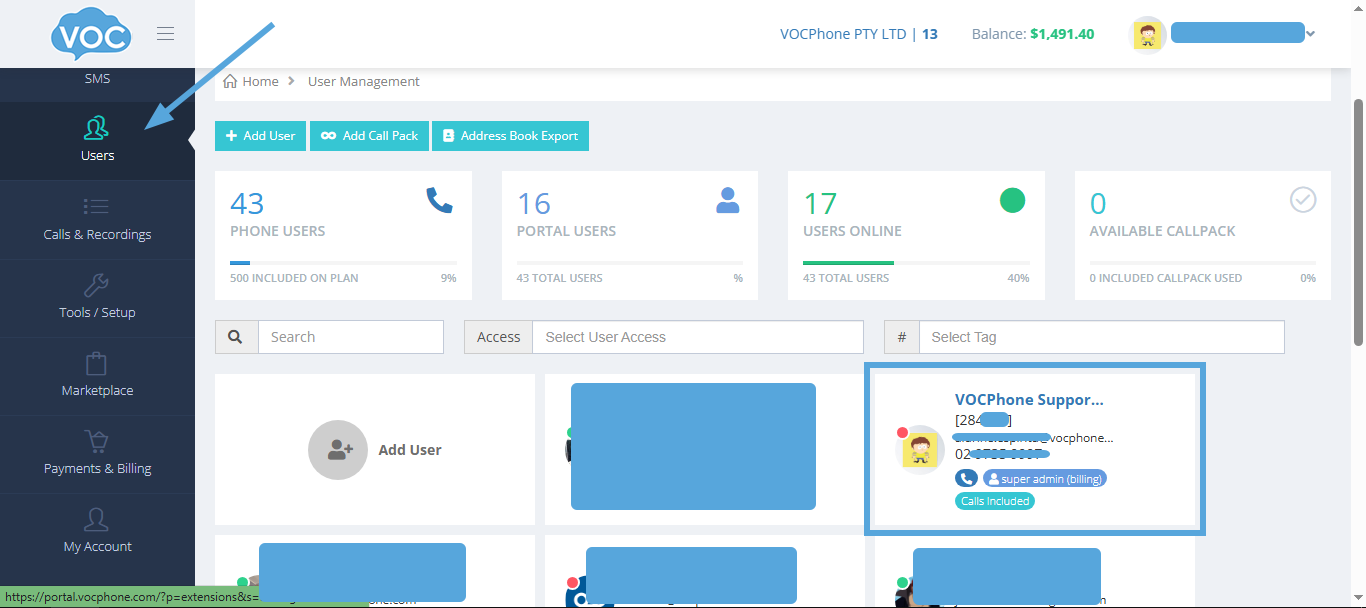
In the voc portal, navigate to Users and select a user that you want to assign with your zoho account user.
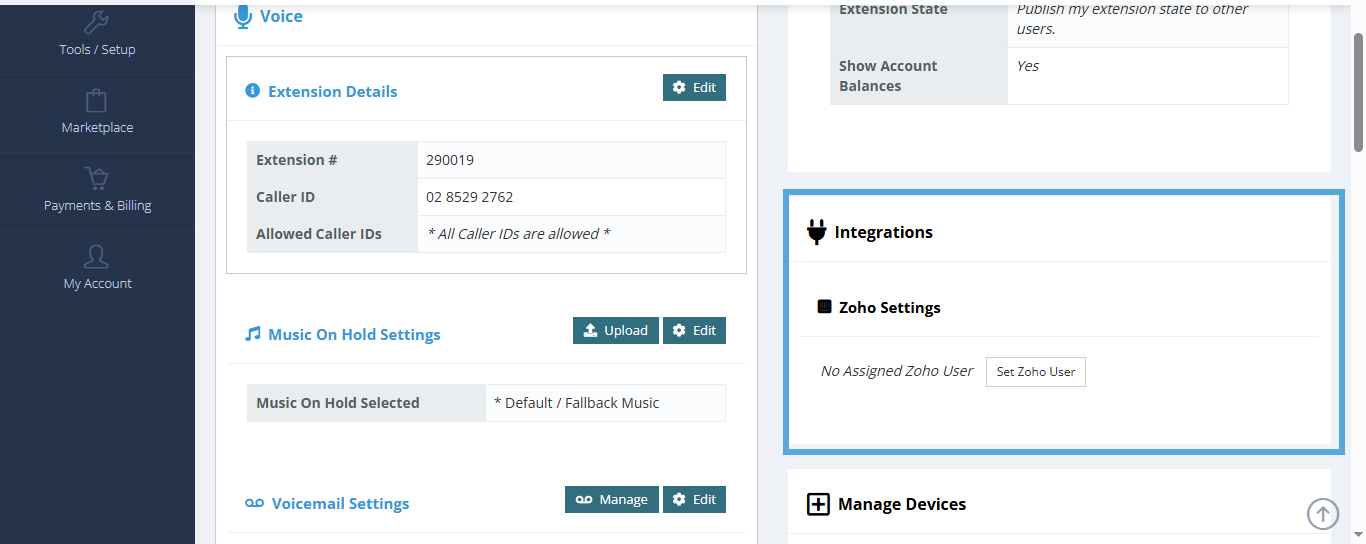
Scroll down and look for the Integrations section then Set Zoho Users and Select your zoho users in the list then click Save.
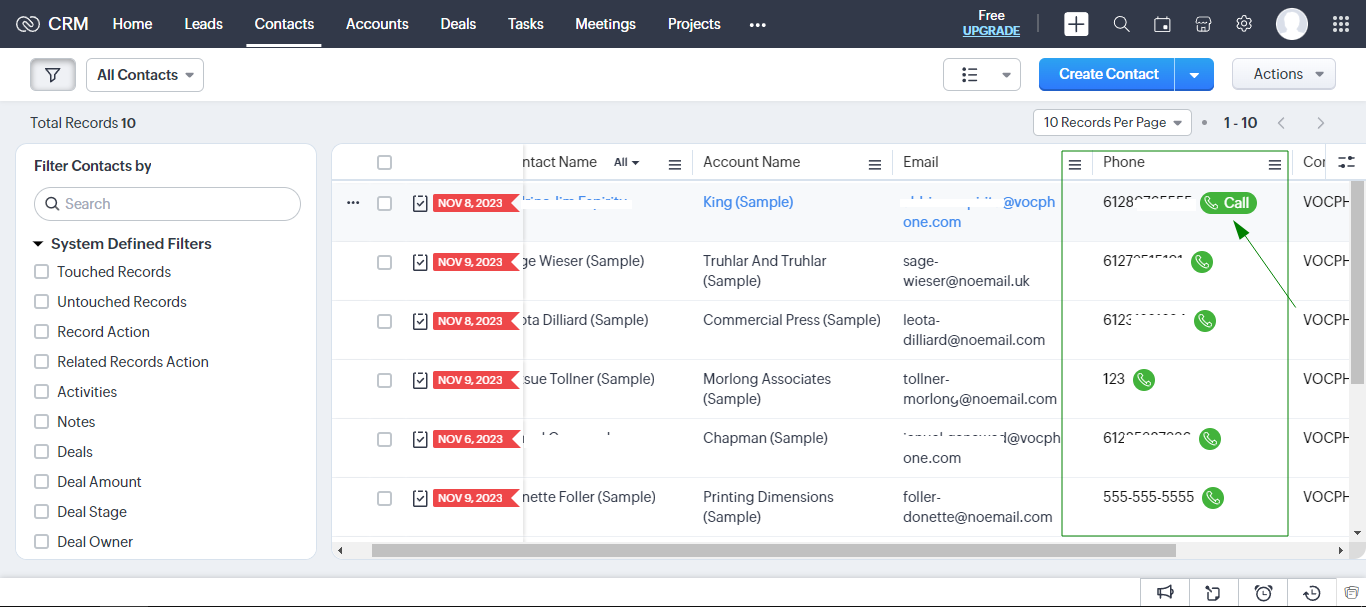
After successful assigning. You should see a green call button in your zoho crm contacts that indicates the click to dial has been enabled