¶ How to SETUP Windows PC app
¶ 1. Download and install the Windows app/softphone HERE https://vocphone.com/downloads/VOCPhone.exe
¶ 2. Open your extensions page and find your SIP credentials for your extension (note only one extension per device, if your extension is already registered to another device you will need to create a new extension)
You can find your SIP credentials in the portal under Extensions > Manage Handset Type
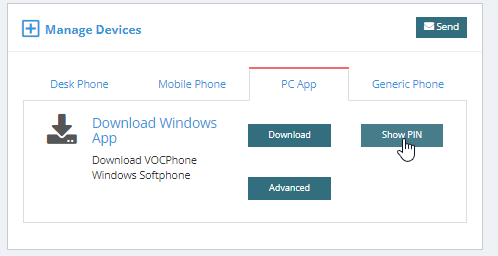
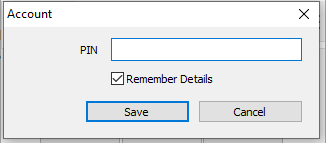
¶ 3. Open the app/softphone upon opening the app/softphone you will need to add your PIN, Press “Save” Application will load and your extension will be ready to use via our PC App
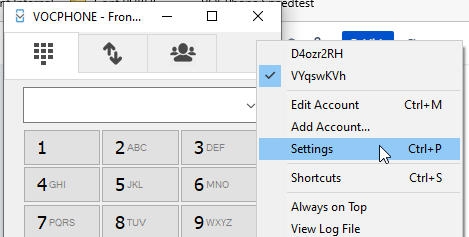
¶ To enable settings to be able to do multiple calls and warm transfers via the PC App follow the below steps.
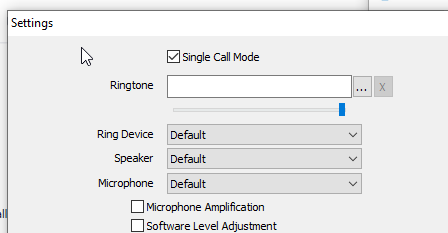
¶ 1. Go to Menu icon > “Settings”
¶ 2. Uncheck the box “Single Call Mode”. This will allow you to be able to do warm Transfers.